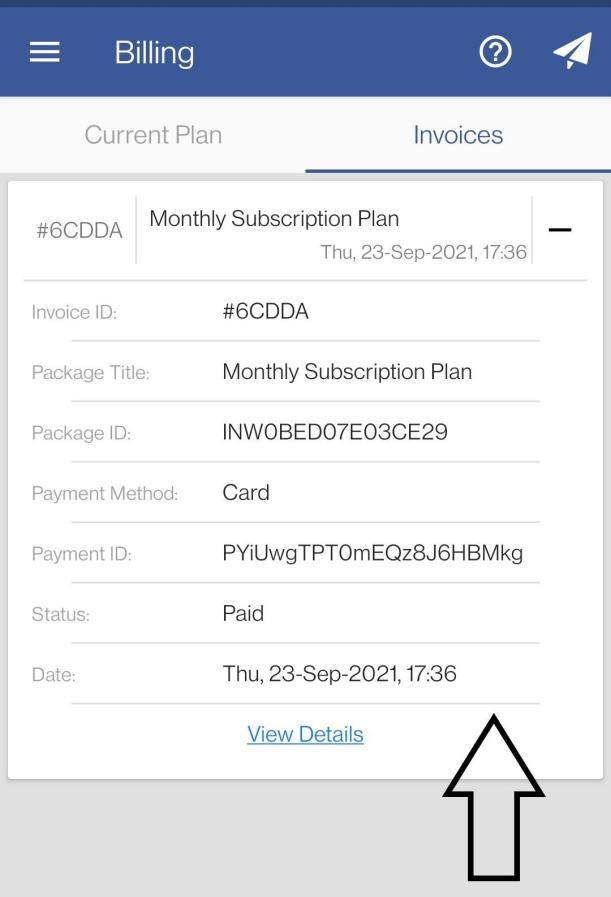
How to View Billing & Invoices Using Web Dashboard
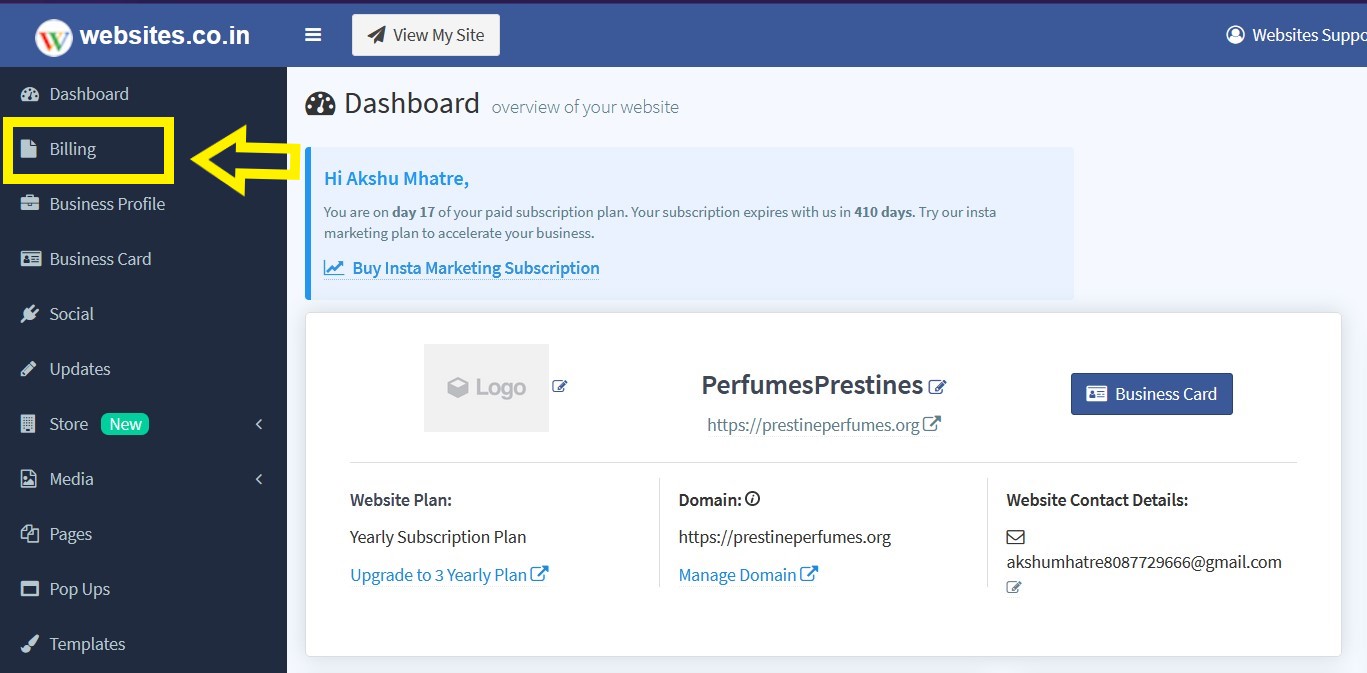
- Click on the Billing button from the left navigation bar of your web dashboard.
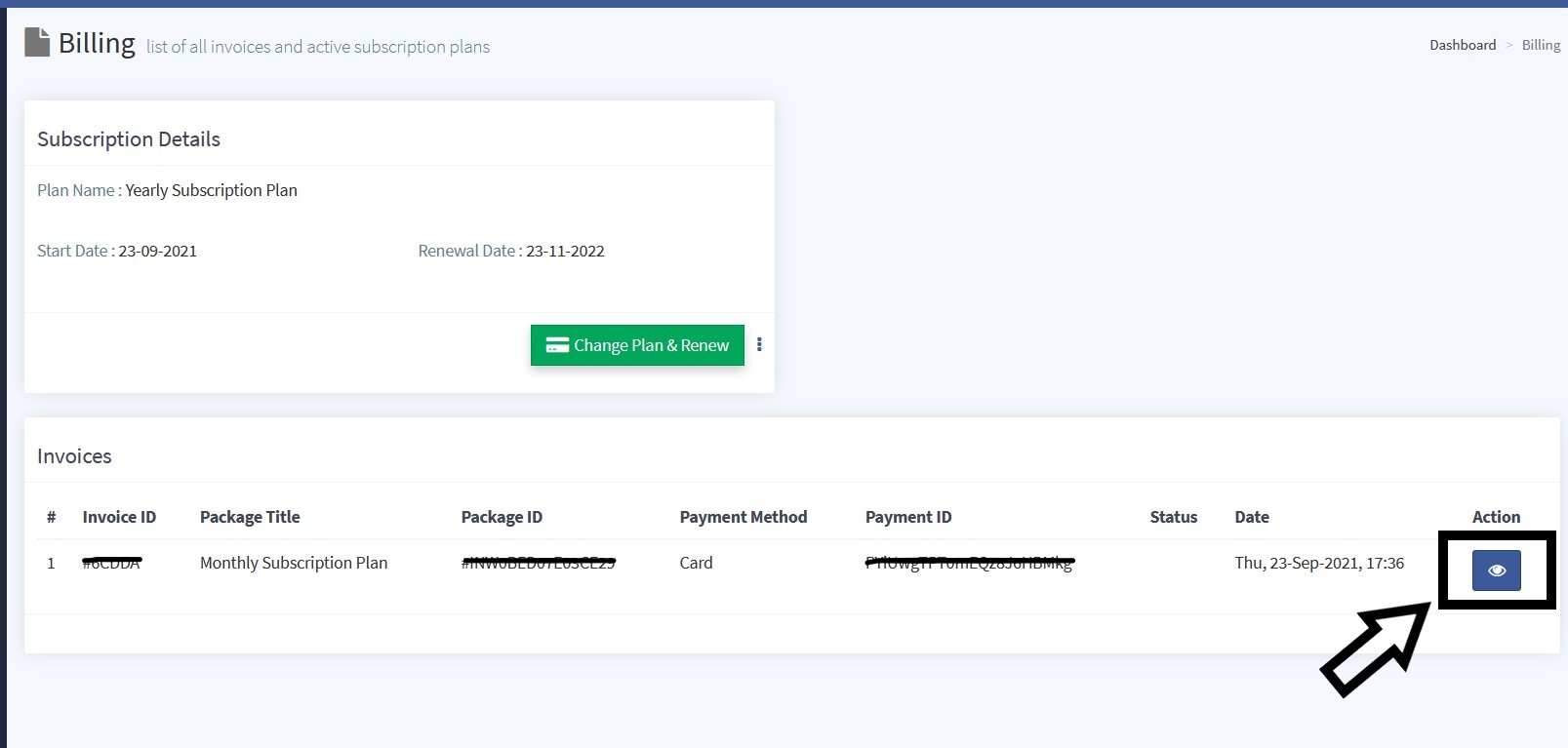
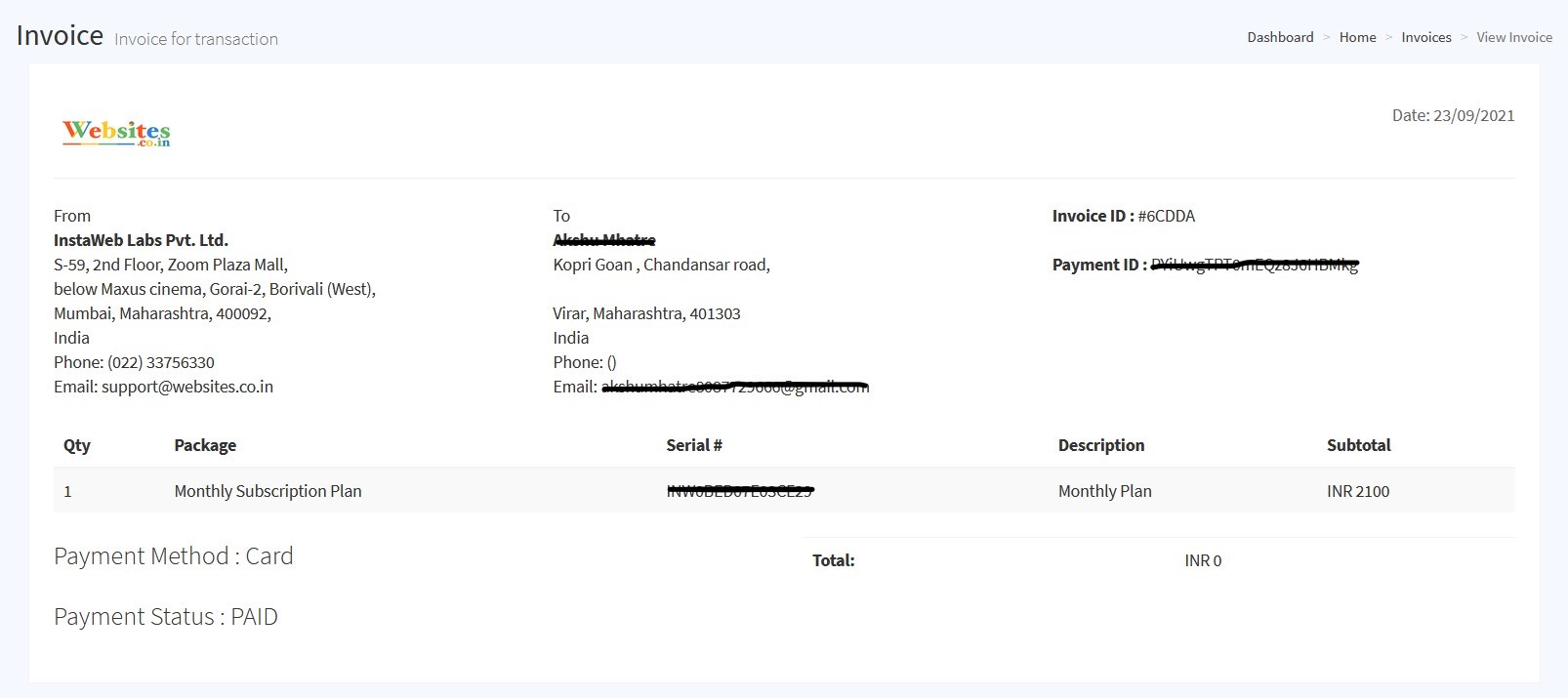
- Once the page is loaded click on the eye icon to view your invoice.
How to View Billing & Invoices Using Websites.co.in App
- Select the Billing option from the main menu.
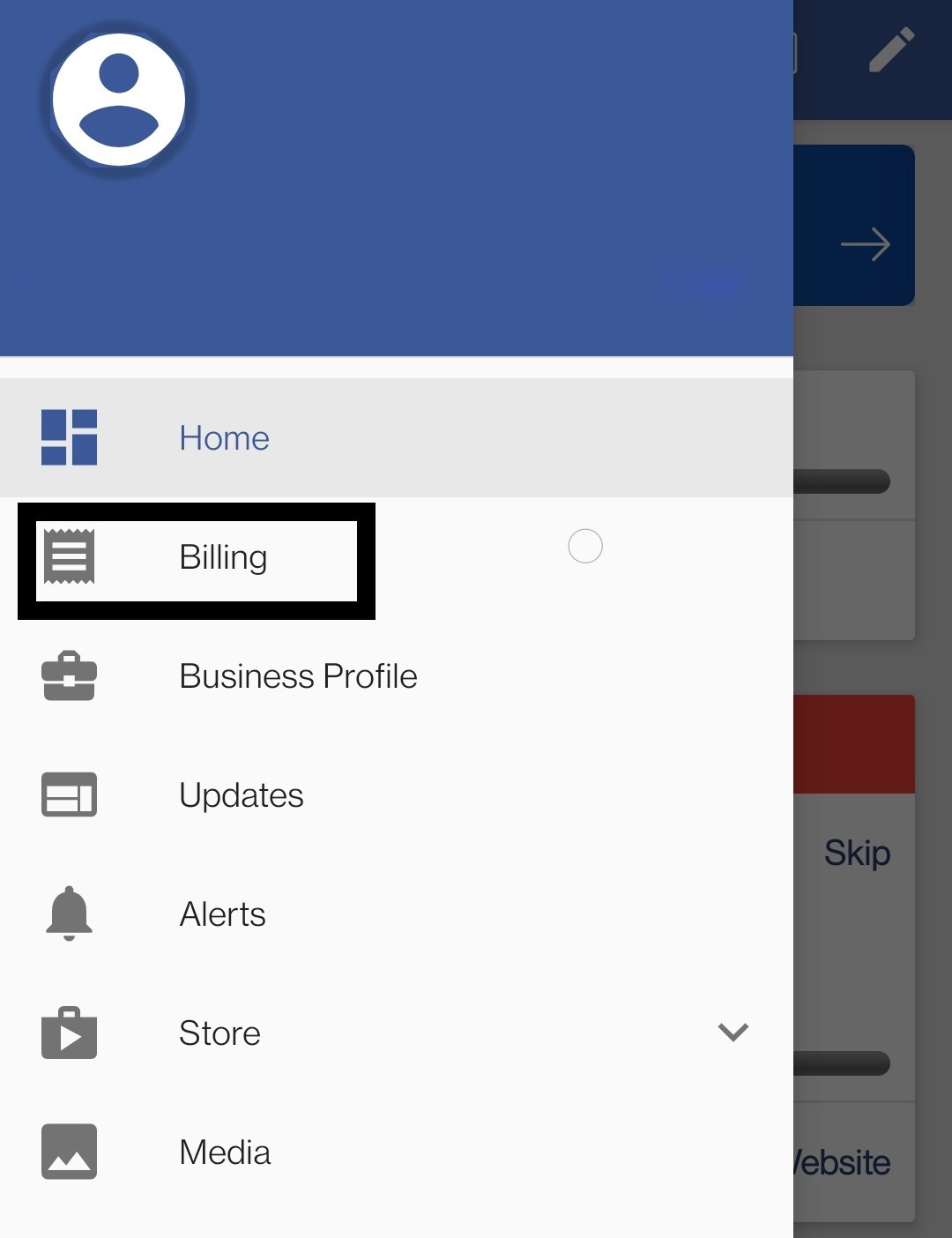
- Now tap on the Invoices option.
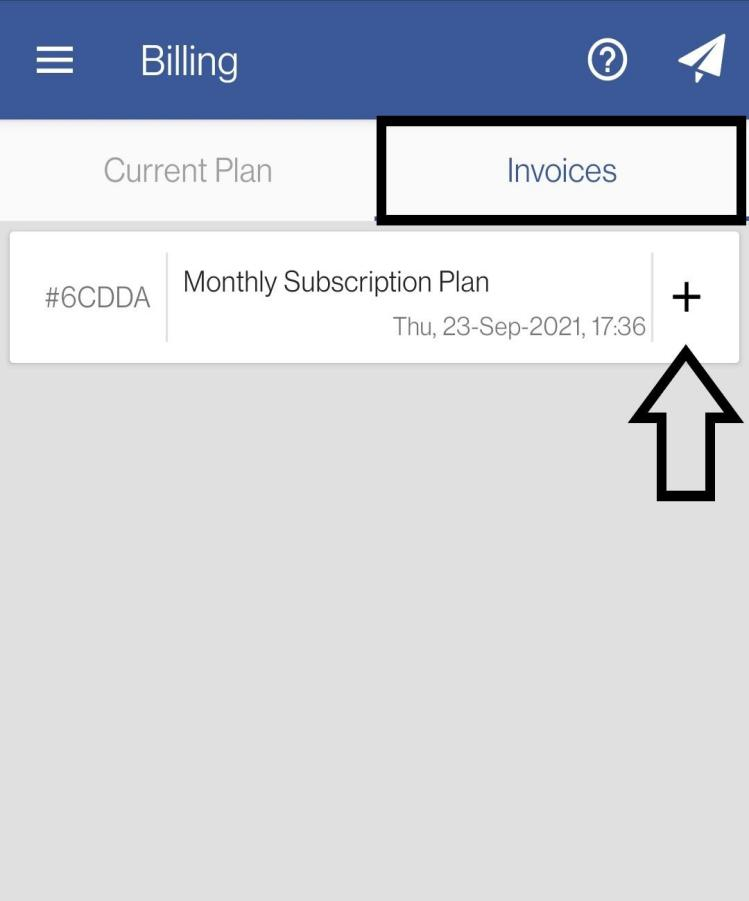
- You can view the details of a particular invoice by clicking on the plus sign (+) adjacent to that Invoice (as shown in the image below).