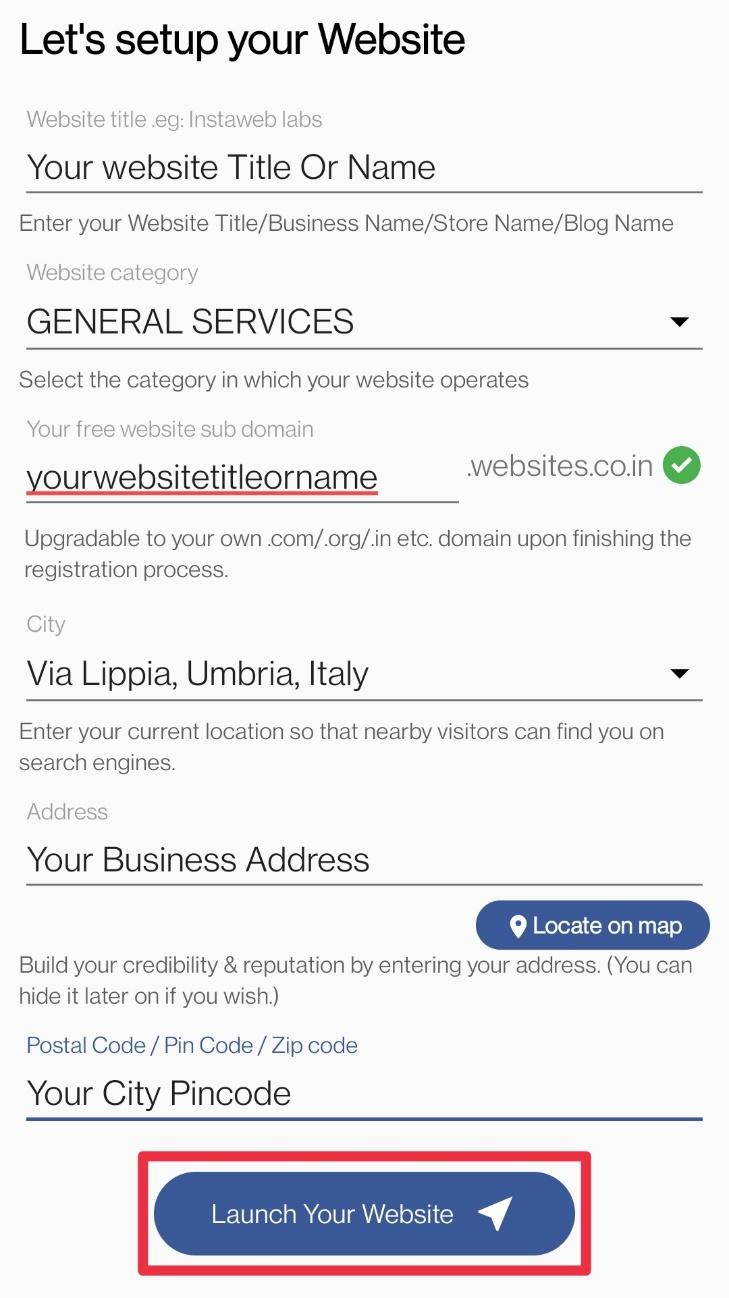
How to Register Through Email
- Visit Play Store and Install the Websites.co.in app.
- After opening the app, tap on Create your Website in 5 mins.

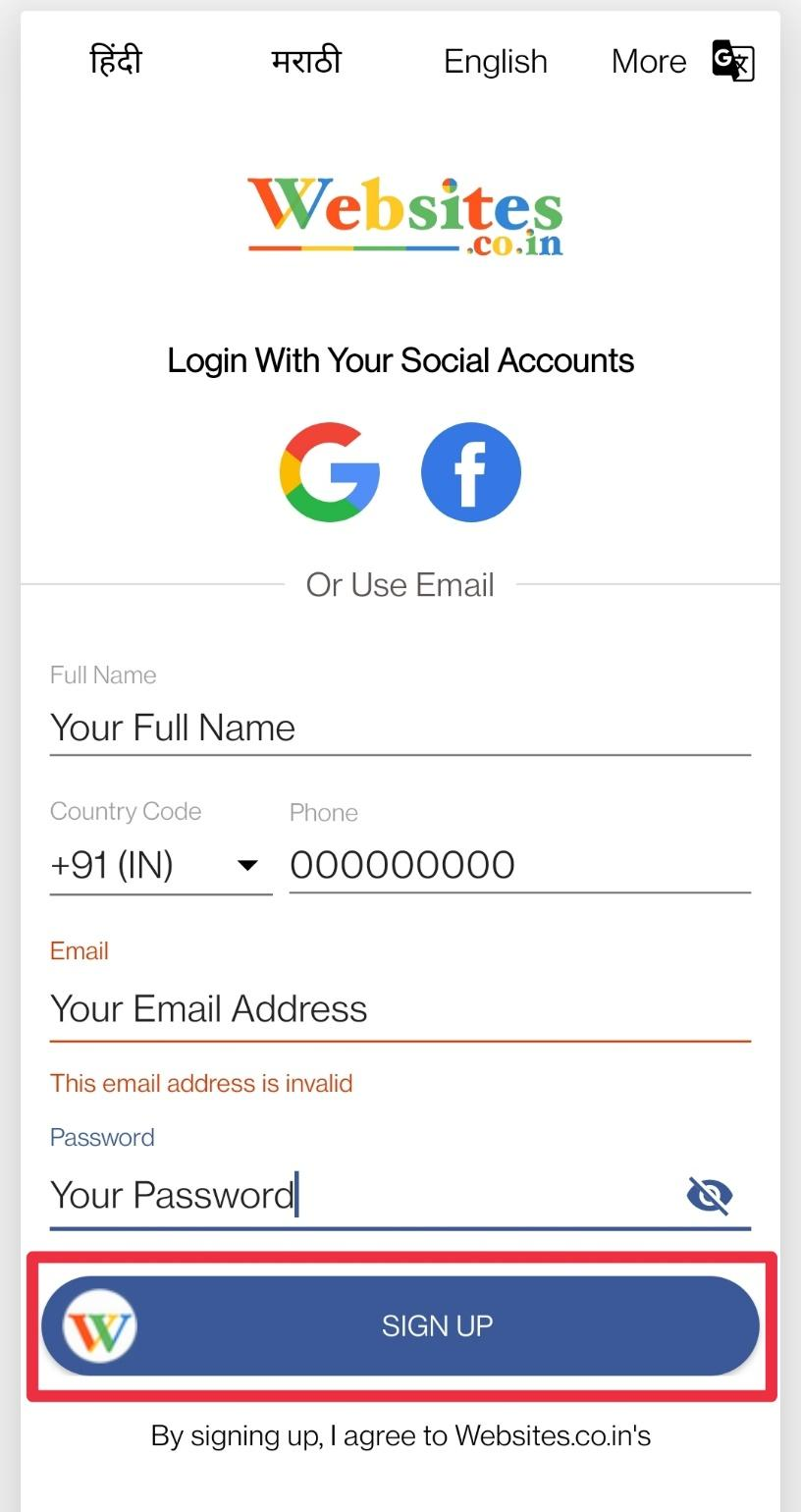
- Enter your name, phone number, email id & set a password.
- Tap on SIGN UP after filling in all the details.
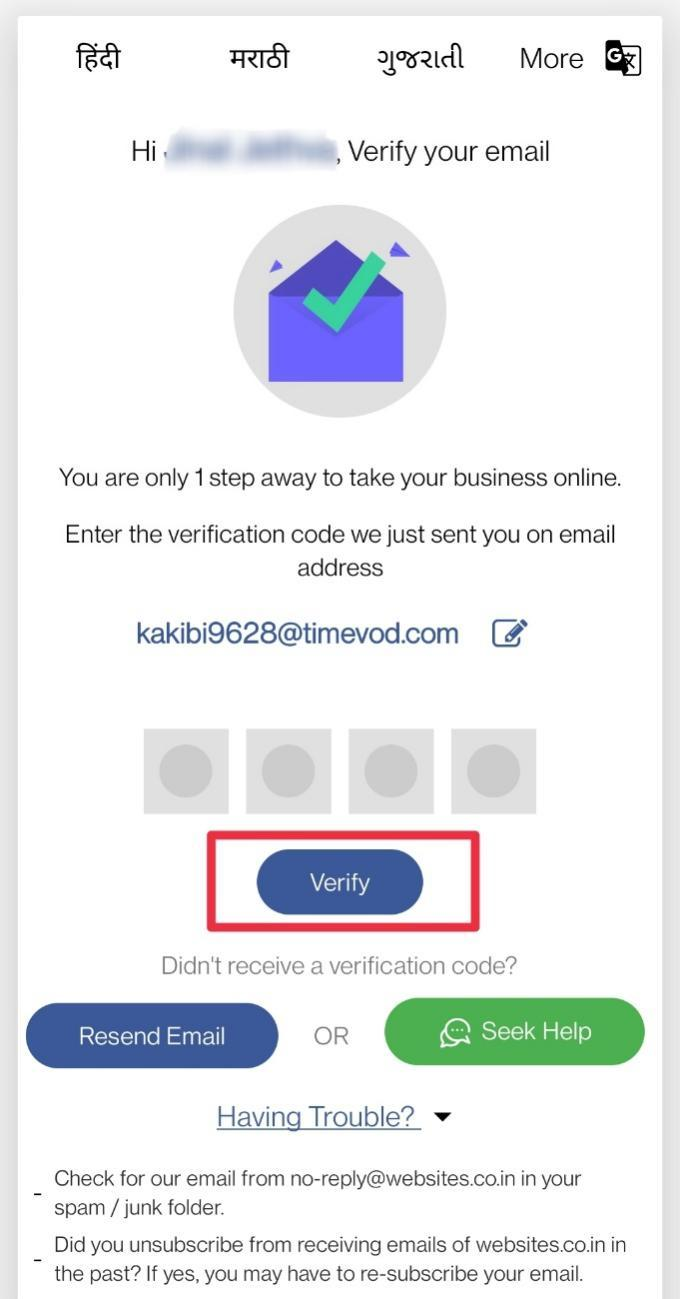
- After signing up, a verification code will be sent to your registered email id. Enter the code & tap Verify.
- Time to setup your website by entering the appropriate website title, category, sub-domain, location, your business address, and Pincode. Tap on launch your website after filling in the details.